Did you ever wanted to quickly delete all items from a SharePoint list without having to run into complex scenarios?
This can be simply achieved using PnP Powershell (obviously!). And it fits in a single line!
Get list of recent documents in SharePoint
Similar to my last post Get list of frequent sites in SharePoint , this time I’m using the same approach to query a different API and get the recent documents for the current user.
SharePoint offers an OOB web part that you can use to list the recent documents for the current user. But what if you need the exact same information for a custom SharePoint Framework solution?
Continue reading “Get list of recent documents in SharePoint”Get list of frequent sites in SharePoint
SharePoint offers an OOB web part that you can use to list the frequent sites for the current user. But what if you need the exact same information for a custom SharePoint Framework solution?
I have also written a similar blog post on how to retrieve recent documents for the current user. You can read more here.
Continue reading “Get list of frequent sites in SharePoint”Office UI Fabric images for SPfx projects
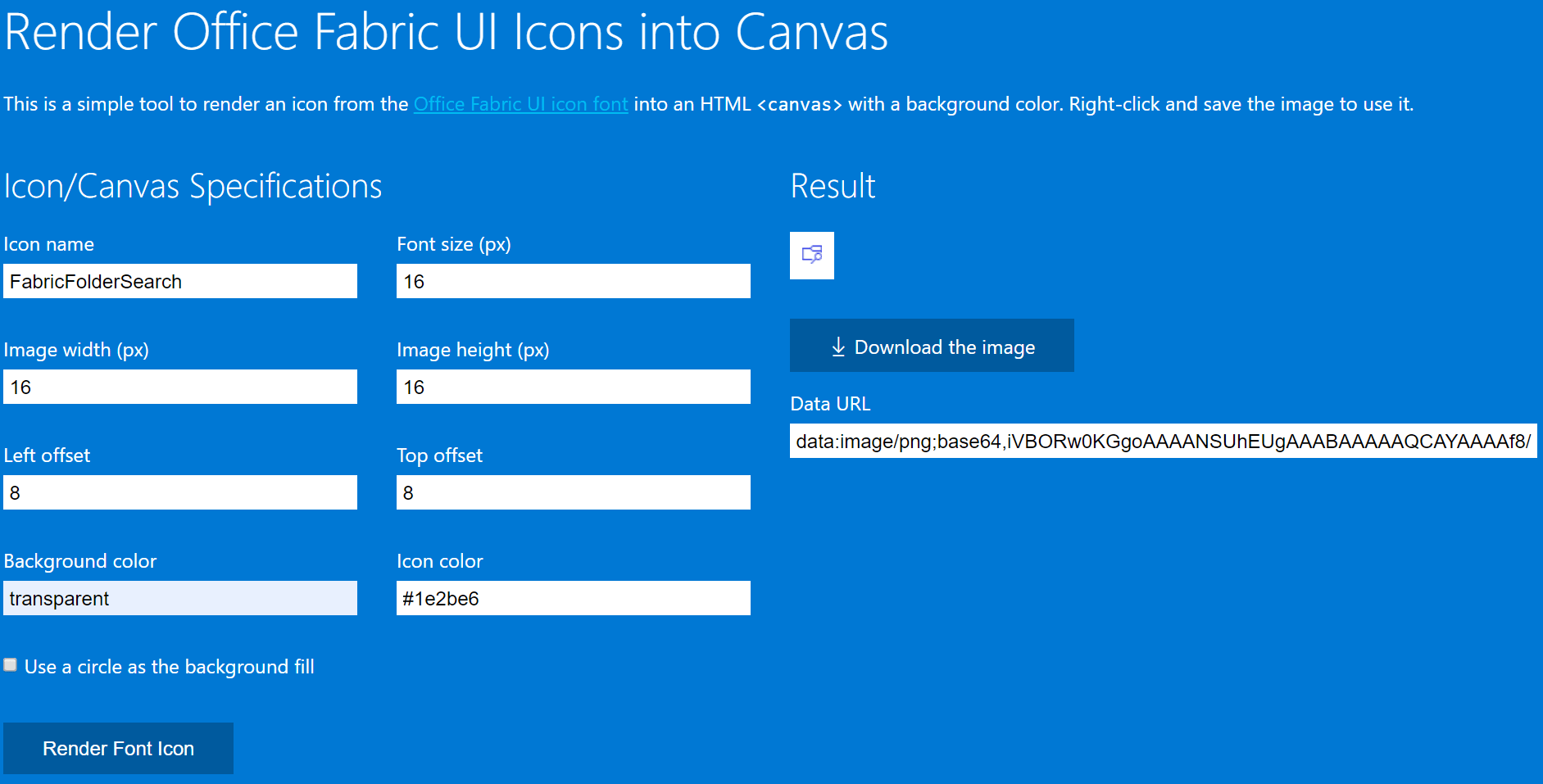
When creating SPFx solutions, you will sometimes require base64-encoded images. A common scenario is when you create a ListView Command Set extension. And then you look at Office UI Fabric Icons and think how nice it would be if you could easily get the images as base64-encoded strings to use on SPFx solutions.
Continue reading “Office UI Fabric images for SPfx projects”Setting managed metadata fields using PnP PowerShell
A few days ago, I was trying to set some managed metadata fields in a SharePoint library using the Set-PnPListItem command – which is greatly documented.
But having worked with SharePoint for quite a few years, I immediately noticed that the examples in documentation for managed metadata fields did not contain the exception case for terms with the ‘&’ character in the label. I had to deal with this case multiple times before, so writing this blog post to hopefully save some time in the future.
SPFx web parts from different solutions on workbench
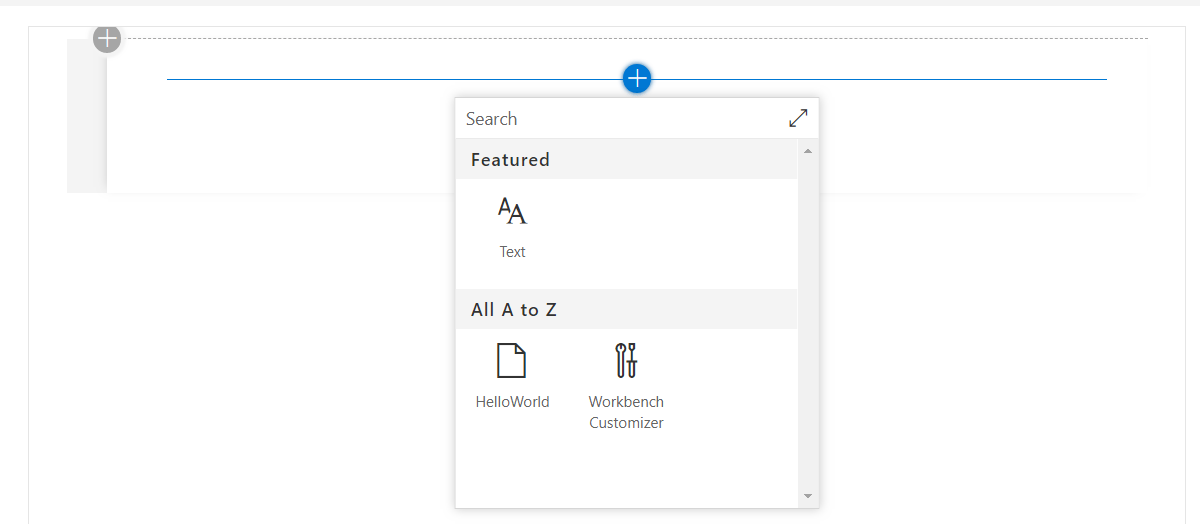
Ever wondered how to add SharePoint Framework web parts from different solutions to your local workbench while developing on localhost? Then look no further 🙂
Even though this may not be a common requirement for everyone, there are cases where it could be handy to have different web parts running on the local workbench that belong to different solutions.
Continue reading “SPFx web parts from different solutions on workbench”SharePoint library/folder default field values
You can configure default values on a SharePoint library (root folder) or library folder fields. For example, if you configure default values in a folder, documents added to that folder will automatically inherit those field values. This functionality is great when you have a project that heavily relies on metadata. Especially if metadata should be inherited through multiple levels of information.
Continue reading “SharePoint library/folder default field values”SPFx Workbench Customizer
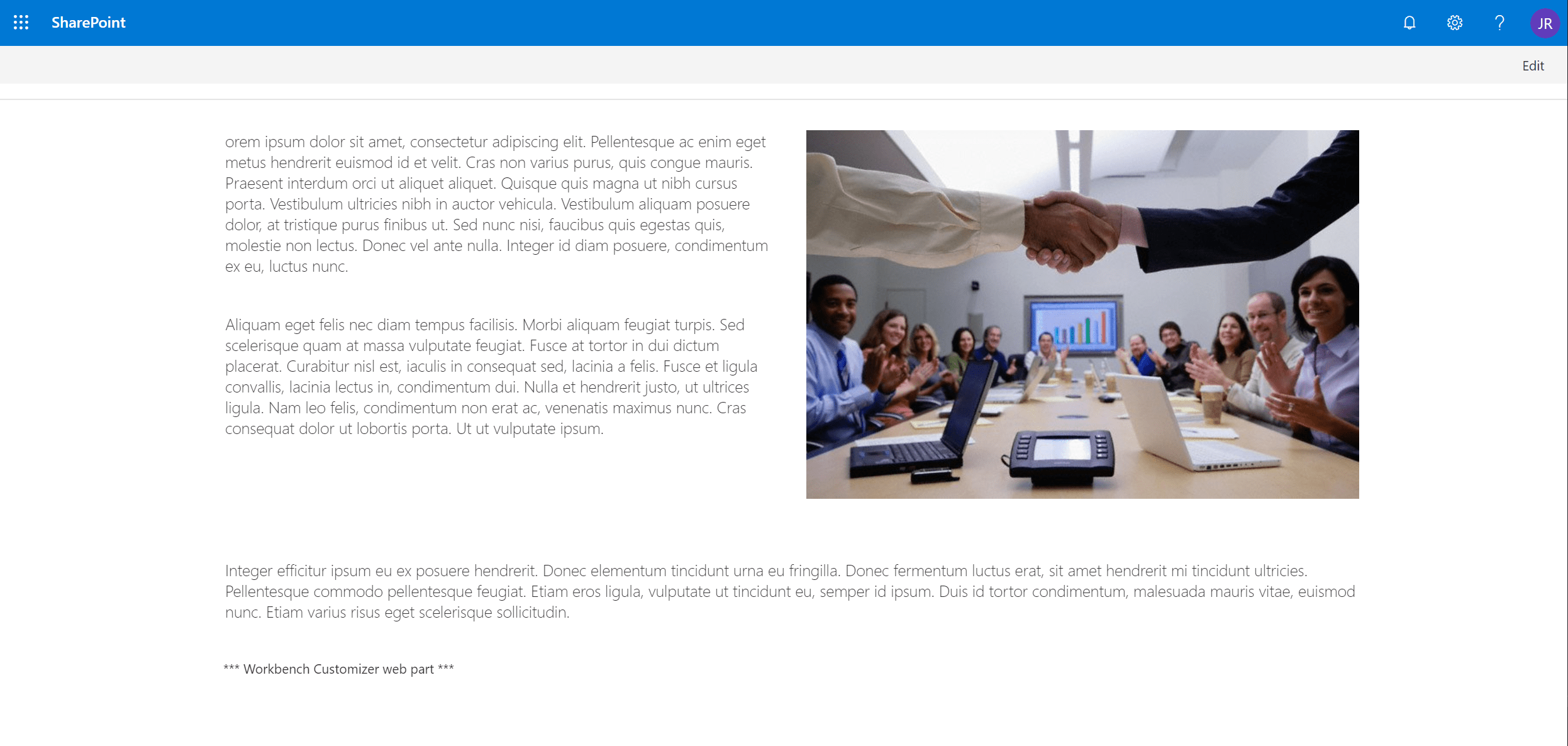
I recently published a blog post about a web part that I use on the workbench page during development. I have this solution deployed on my dev tenant and simply add it to the bottom of the Workbench page. It allows me to work around some workbench limitations when building the UI of SPFx web parts.
Continue reading “SPFx Workbench Customizer”Edit Featured links on SharePoint home page
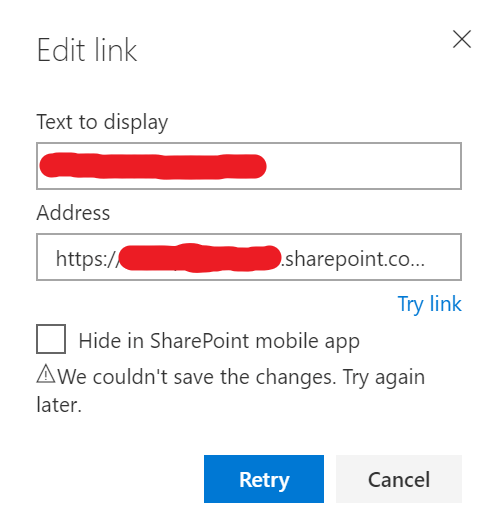
When trying to edit the Featured links on the default SharePoint home page, you may end up getting the following error. And guess what? Trying again later didn’t really work…
But don’t worry, this is SharePoint and a lot of things are stored in lists. A hidden list, in this case.
Getting the teams a user is a member of via MS Graph
The Microsoft Graph endpoints for Teams are not something new. You can easily find online multiple blog posts containing sample requests on how to retrieve the teams that a user is a member of. Instead, in this blog post, I will share some code blocks that I used to accomplish this on a SharePoint Framework project.
Continue reading “Getting the teams a user is a member of via MS Graph”