Trigger When a file is created or modified in SharePoint

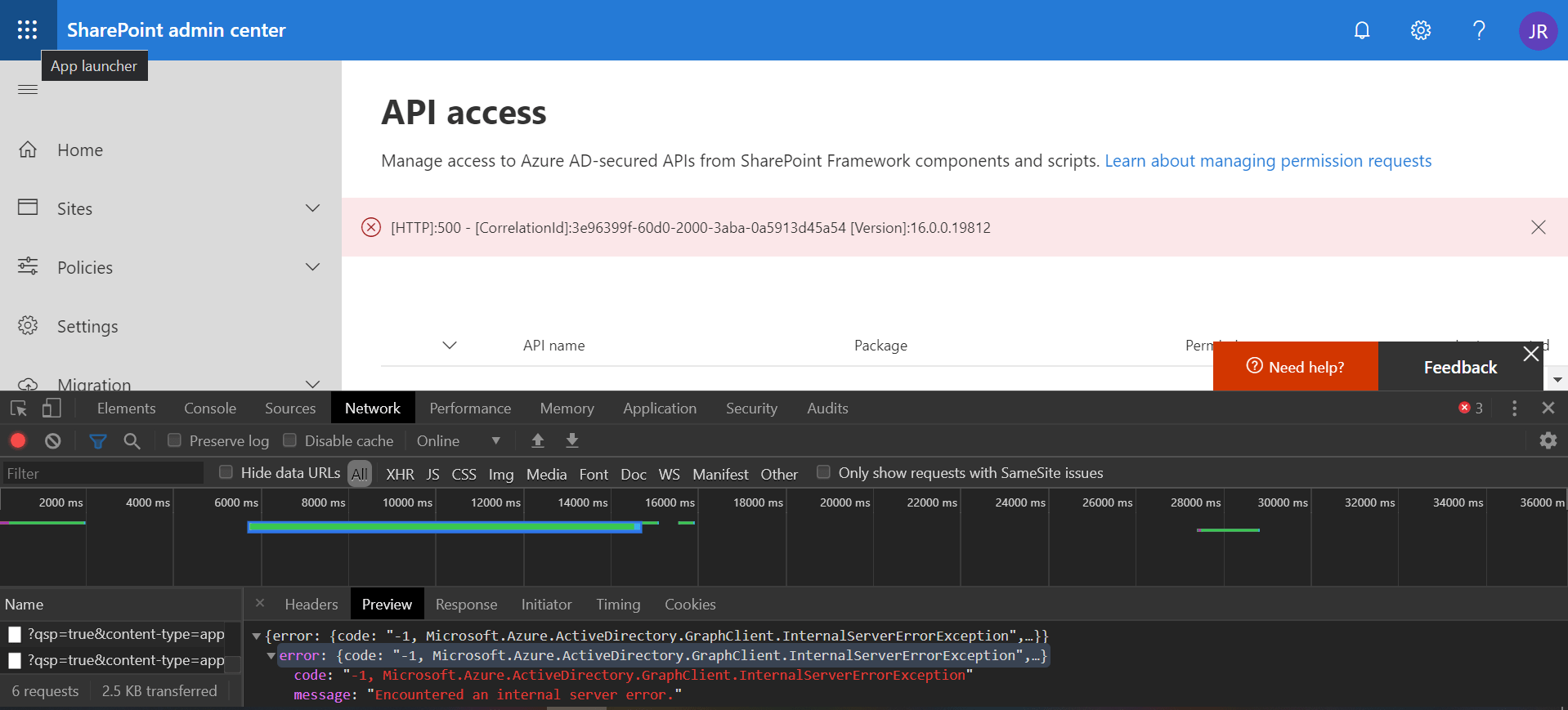
Power Automate and Azure Logic Apps are great to use as automation tools for processes that include SharePoint data. A trigger that I often use is when a file is created or modified in SharePoint. Unfortunately, they also seem to suffer from some limitations on large lists/libraries which can be quite hard to troubleshoot.
In this blog post, I describe the issue that I have recently experienced and how it can be quickly resolved.

Continue reading “Trigger When a file is created or modified in SharePoint”

Send items to second-stage SharePoint recycle bin

When a document or folder is deleted in SharePoint, it goes to the first-stage (site) recycle bin. After some time, it is moved to the second-stage recycle bin. And it stays there for another period before being completely deleted.
If you need to delete a very large number of documents in SharePoint, you may consider sending the items straight to the second-level recycle bin. This will prevent “flooding” the first-stage recycle bin with items, which would make the recycle bin hard to use for manually restoring deleted items.

Continue reading “Send items to second-stage SharePoint recycle bin”

SharePoint folder filter SPFx extension

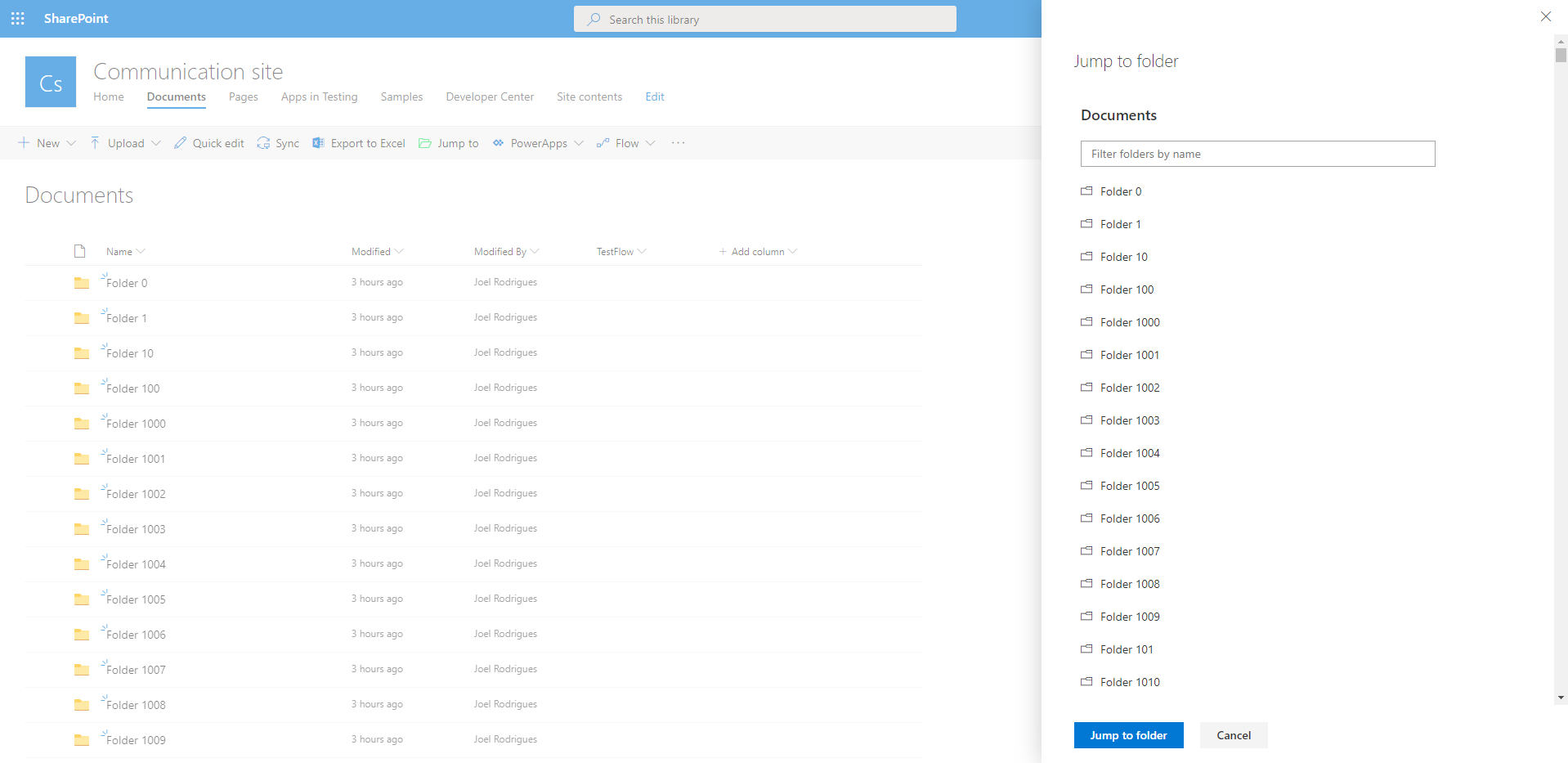
In modern SharePoint libraries containing large collections of folders, it may be difficult to navigate your way around the folder hierarchy. The library loads batches of 30 folders as you scroll down the list, making it difficult to find a specific item.
Would it not be great if you could easily filter the collection of folders?
You can try to use search to find the desired item quicker, but if you have content with similar names, the suggested results are not always relevant.

I built a super simple SharePoint Framework list extension to filter folders and address this limitation. Check the video below to see the SharePoint folder filter extension in action.

Continue reading “SharePoint folder filter SPFx extension”

Convert PnP TaxonomyPicker selection to update value

I am a big fan of the PnP reusable controls and previously delivered some sessions about them. You can find the slides for one session on this blog post. One of my favorite controls is the TaxonomyPicker control, which I often use in custom forms to update list columns.

When using the PnP TaxonomyPicker reusable control to let the user select values for a managed metadata list field in SharePoint, you have to convert that selection into an object that you can then pass to the REST api when updating the field value.

Continue reading “Convert PnP TaxonomyPicker selection to update value”

SharePoint SPFx extension – Advanced copy and move

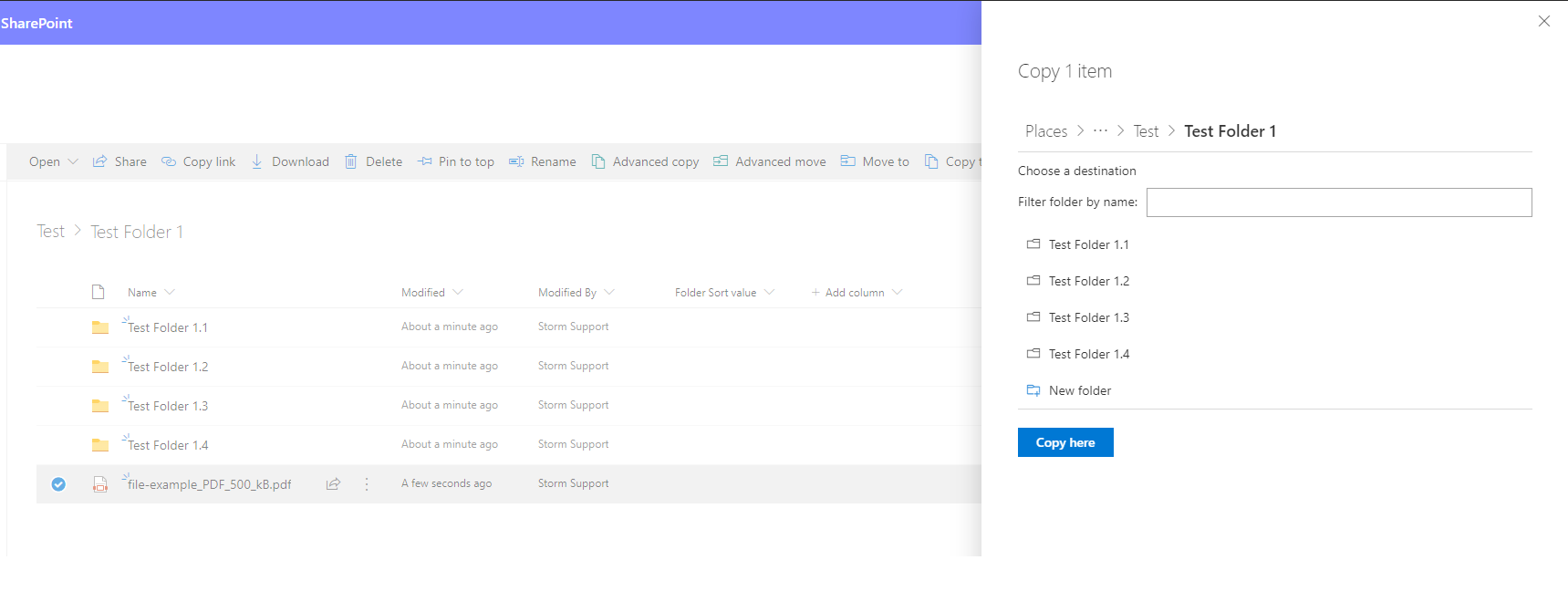
A client recently asked me to create an advanced version of the default “Copy to” and “Move to” SharePoint capabilities available on every document library. This blog post will cover the main decisions, challenges, and tools that I used to achieve this.

After our client went live with a new SharePoint site to be used as the main “landing page” for the company, they started receiving some feedback from end users. I created some custom SPFx web parts and extensions for the site, so was expecting some feedback on my work. Instead, the most common feature that users were providing feedback on was the out-of-the-box “Copy to” and “Move to”.

Continue reading “SharePoint SPFx extension – Advanced copy and move”

My path to receive the Microsoft MVP award

On the 1st of September, I opened my inbox and found a very  pleasant surprise. I had received the Microsoft MVP for Office Development award!

This post covers some of the things that led to the MVP award and also some personal thoughts about the MVP award program. Please note that this is only my own opinion, I don’t know the award criteria. Hope you find the post interesting.

Continue reading “My path to receive the Microsoft MVP award”

Copy all SharePoint terms in a term set to clipboard

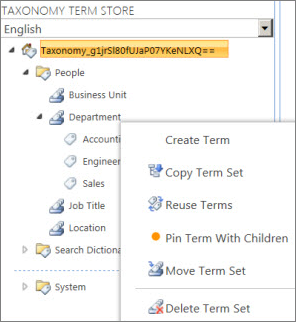
This is just one of those blog posts where there is no “rocket science” if you use the right tools. And the reason why I’m writing it is to just show how easy it is. All it takes is one line of PowerShell to copy all terms in a term set to the clipboard.
Of course there is a lot of “rocket science” here. But it’s inside PnP PowerShell and we don’t need to worry about it!

Continue reading “Copy all SharePoint terms in a term set to clipboard”

Enable modern document sets programmatically

Some time ago, modern SharePoint sites received a new feature: modern Document Sets. In order to enable and use this feature, “all” you have to do is enable the “Document Sets” feature under Site Collection Features. Then simply add the relevant content type to a library and you can start using them.

Simple right?
Well…perhaps not so simple if you try to do this programmatically.

Continue reading “Enable modern document sets programmatically”
Exit mobile version