Bulk upload/install SharePoint solutions

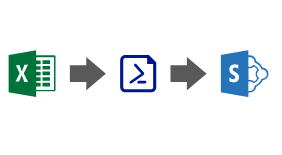
A few days ago I was asked for a way to bulk upload and install multiple SharePoint solutions. In a simple and quick way that wouldn’t require much user interaction/scripting or experience.

With this in mind, I have created a simple PowerShell script using PnP PowerShell that reads information from a CSV. The script starts by uploading and deploying all the apps to the SharePoint app catalog. Once this step is completed, it then connects to the target site to install the solutions.

Continue reading “Bulk upload/install SharePoint solutions”
My session at SharePoint Saturday Madrid

Last Saturday I had the pleasure to speak at SharePoint Saturday Madrid. You can find here all the materials used for the presentation: the presentation slides and the video recording. On the slides, you can find links to the relevant resources and also a link to my GitHub repository that contains a working version of the demo, and also a guide in case you want to recreate the demo yourself.

Continue reading “My session at SharePoint Saturday Madrid”

SharePoint Framework – new project checklist

Starting a new project generally requires some initial setup before you can jump into code. SharePoint Framework (SPFx) is no exception.

Unfortunately, we often forget to configure something that then needs to be added during the development phase, which may introduce some issues. I hope you find this article helpful the next time you create a new project.

Continue reading “SharePoint Framework – new project checklist”

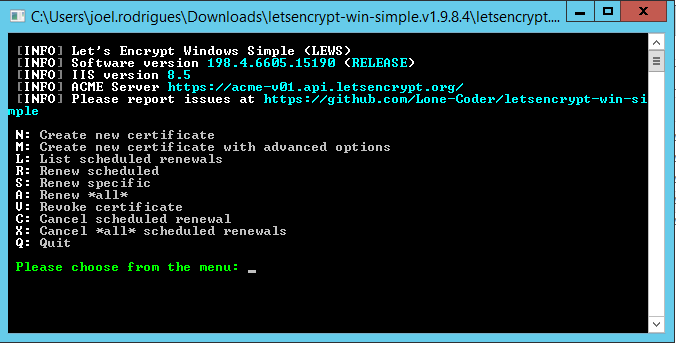
SharePoint on-prem – easily renew expired certificates

Certificates are my “kryptonite”…hate the pain of going back to an old project and the first thing I have to deal with in the development environment are expired certificates.

SharePoint doesn’t like expired certificates as some features will not work as expected, so you’d better renew the certificates before doing anything else.

Continue reading “SharePoint on-prem – easily renew expired certificates”
Exit mobile version