Thread view for SharePoint classic Discussion Board

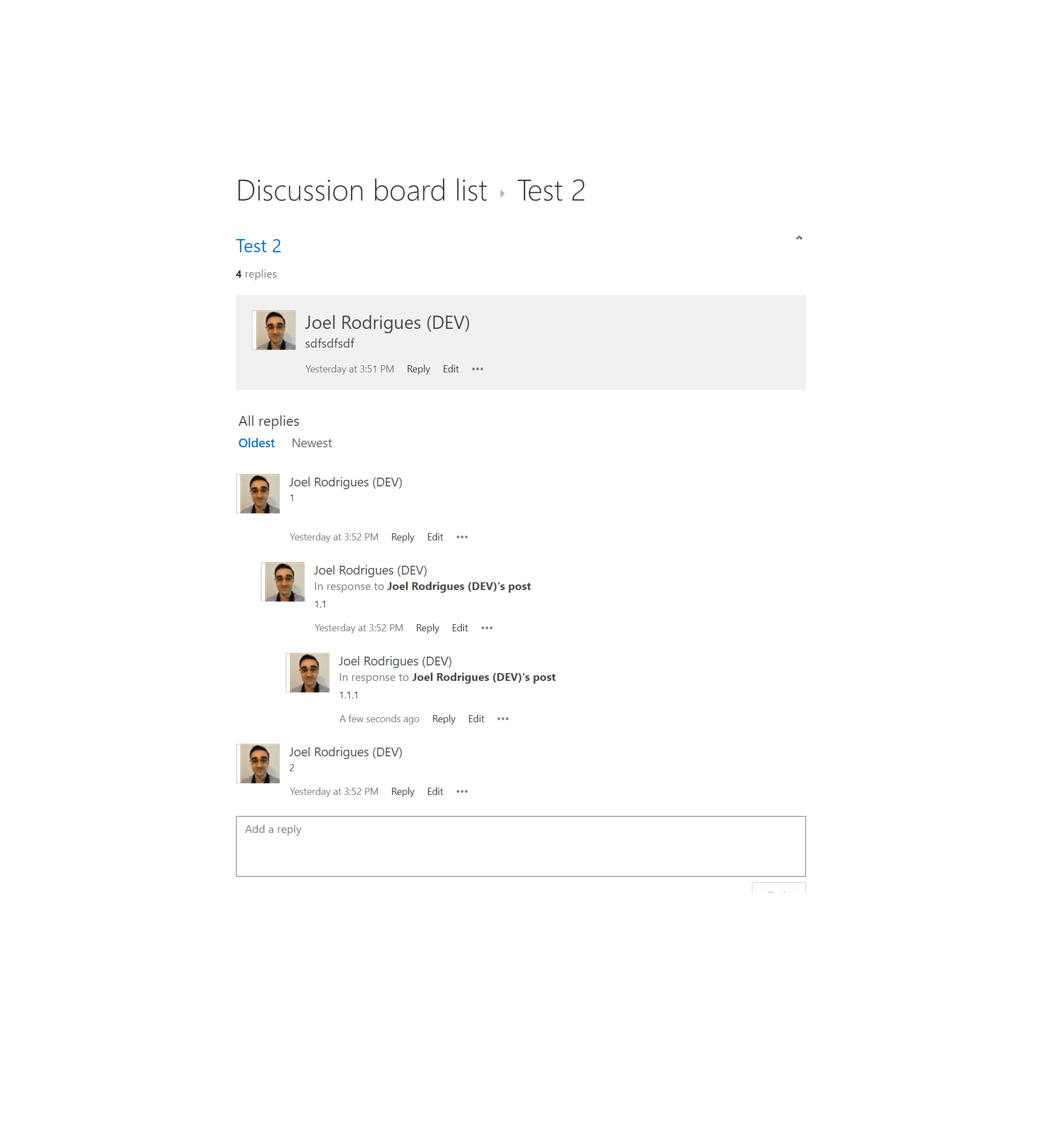
One of the classic SharePoint list types is the Discussion Board. It allows the creation of discussion topics that users can reply to. And users can also reply to previous replies, creating a thread-like scenario.
Unfortunately, Discussion Boards currently only have a Flat view that lists all the replies ordered by creation date. This creates a very poor user experience as it’s nearly impossible to follow the replies to a given topic. Thread view used to be an available feature for discussion lists, but this is no longer the case. There is also a user voice request to bring the feature back.

Continue reading “Thread view for SharePoint classic Discussion Board”

SPFx Workbench Customizer

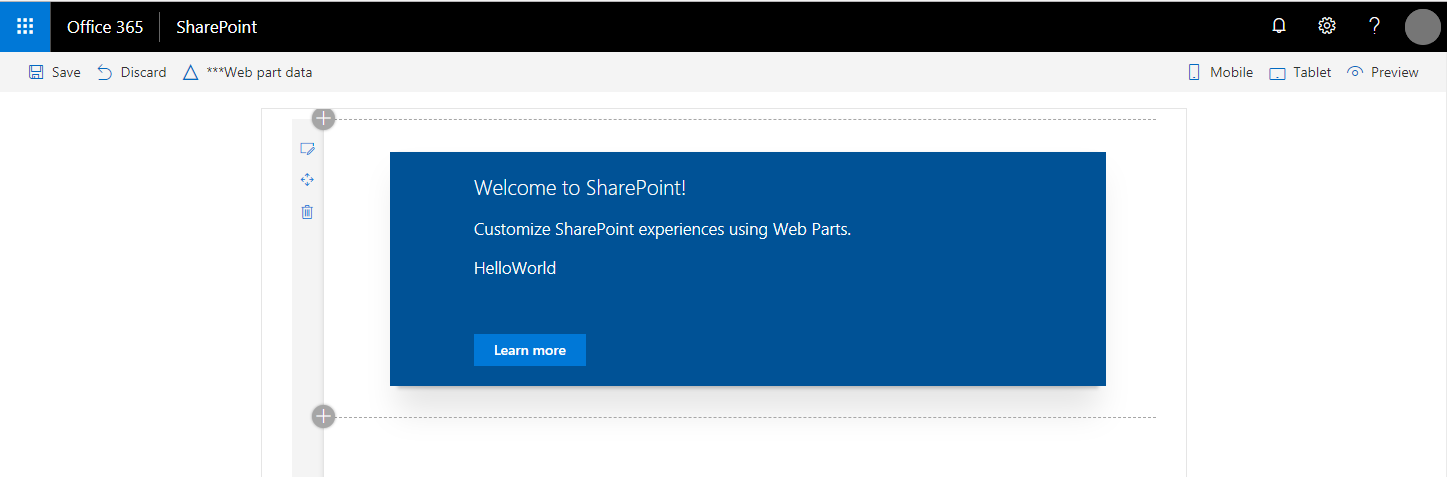
With SharePoint Framework, Microsoft also introduced a really good development story for creating custom web parts: the Workbench page.
This page is not only available when you are developing solutions locally, but also on a SharePoint site. This gives you the option to access data on a SharePoint site from code running on your machine. Let’s be honest, it’s great!

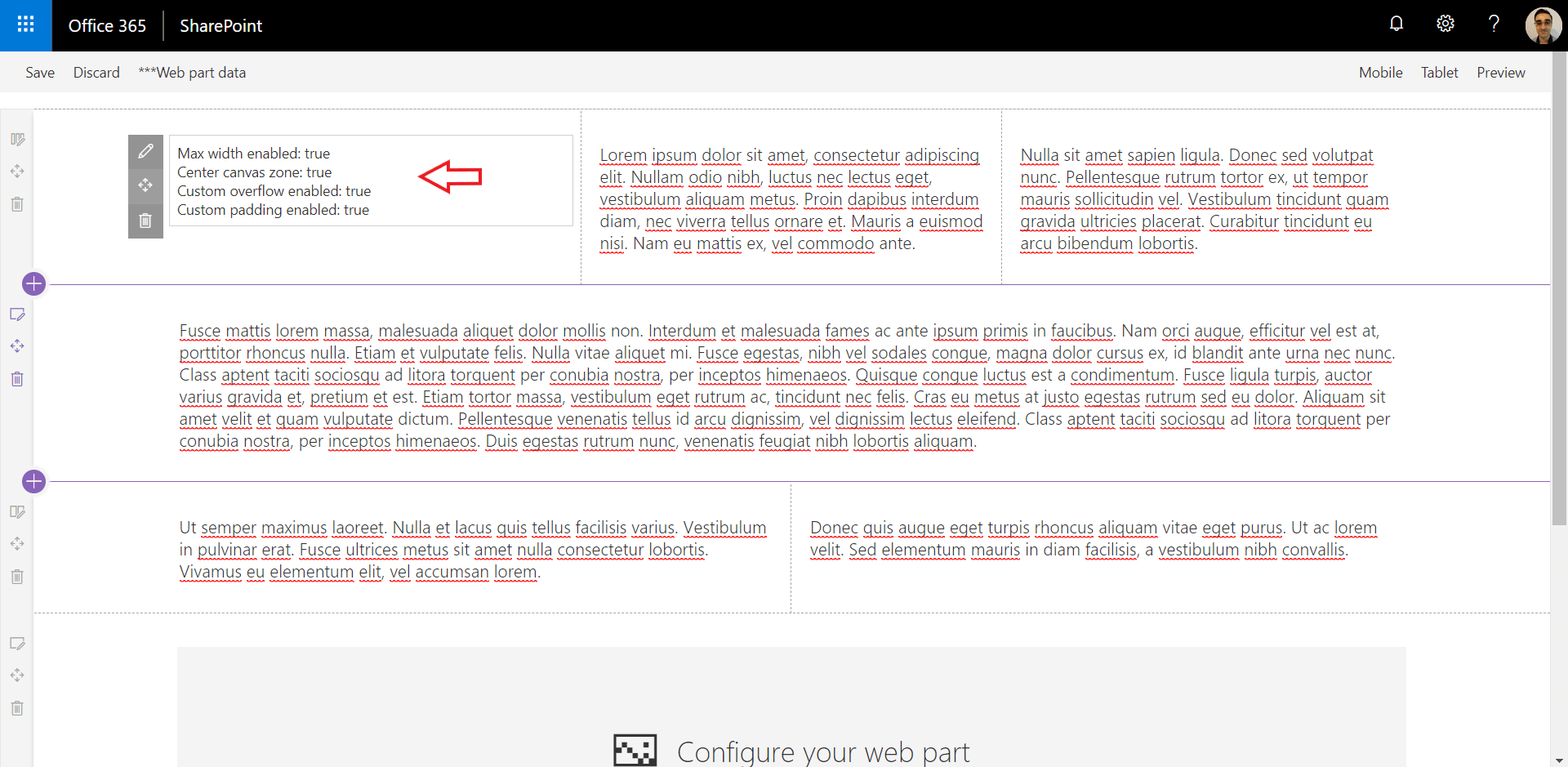
Unfortunately, the Workbench page also has some limitations for some development scenarios. One of them is, in my opinion, how the overall page styles differ from a normal modern SharePoint page.

Continue reading “SPFx Workbench Customizer”

Add Google Analytics to SharePoint modern pages

I had a client requirement to help them add Google Analytics to a modern SharePoint site. The objective was to track all SharePoint page views within the site.

The first thing that came to my mind was to look for a solution available online. As this is a fairly common scenario, I assumed it would be easy to find one for my requirements. But this was also what the client had tried to do before calling us, and they got stuck with some limitations on the solutions that they have found.
There are plenty of solutions available online for using Google Analytics with SharePoint modern pages. From complete implementations, to blog posts with the relevant code snippets. But I was also unable to find one that was able to track full and partial page loads. And so I decided to tweak one to work on the scenarios.

Continue reading “Add Google Analytics to SharePoint modern pages”

SPFx solution using PnPjs for Project Online REST API

If you know me or follow me on Twitter/LinkedIn, you must have realized by now how much I like the PnPjs library. Enough to venture myself to speak about it on 3 SharePoint Saturday events last year. The library has packages for SharePoint and Graph endpoints and can be easily used on SPFx solutions. But if you need an SPFx solution that consumes Project Online API, what options do you have?
Kudos to Paweł Hawrylak who started creating the Project module for PnPjs and currently already offers support for a wide range of endpoints. The module is currently in a dev branch and requires additional work and testing, but it’s already a phenomenal effort.

This blog post will cover the required steps to generate a local PnPjs Project package to consume Project Online REST APIs and create an SPFx web part that uses it.

Continue reading “SPFx solution using PnPjs for Project Online REST API”

Restore deleted documents already restored by OneDrive

Imagine the following scenario:

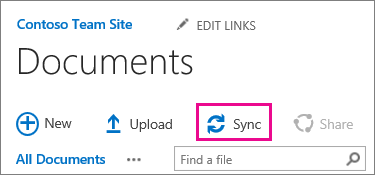
  • A user syncs a SharePoint document library using OneDrive, so that he can have a local copy of the documents. 
  • When he doesn’t need them anymore, he deletes the documents from the machine (which is a sensible approach).
  • OneDrive syncs the changes and deletes the documents in the SharePoint library.
  • User notices that the documents were deleted, opens the recycle bin and restores them.
  • One Drive syncs all the documents back to the SharePoint library and all is good again. NOT!

Even though all your documents are back into the SharePoint document library, they do not contain information about previous versions. This information is recorded against the original list item object. The original documents, containing the version history information are now in the site recycle bin. But, because OneDrive uploaded a new copy of the documents, you are unable to restore the deleted versions. This is because the library already contains a document with the same name.
This is simple to manually resolve if you only have a few documents affected. But what if we are talking about hundreds or thousands? And multiple libraries? Well, in this case, PnP PowerShell to the rescue!

Continue reading “Restore deleted documents already restored by OneDrive”

Reusable ARM template for Web Application

SharePoint Framework is the new King of enterprise solutions. Since version 1.4.1, it allows you to easily connect to APIs secured with Azure Active Directory.
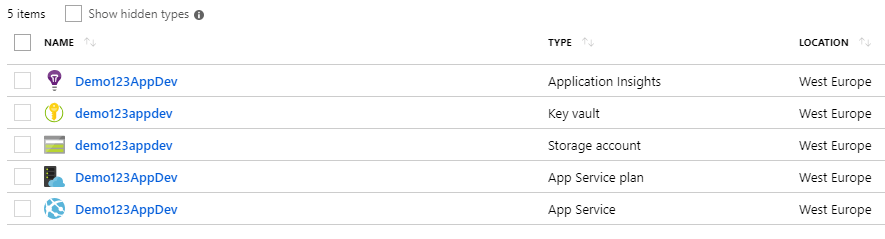
As a SharePoint developer, you will likely have to create Azure Web Apps or Functions to be consumed by your SharePoint Framework application. So why not use an ARM template for common scenarios? 
The following ARM template will, hopefully, come in handy and save you some time.

Continue reading “Reusable ARM template for Web Application”
Exit mobile version