Merge PDF files in SharePoint using an Azure Function

Need to merge PDF files stored in SharePoint? Look no further!
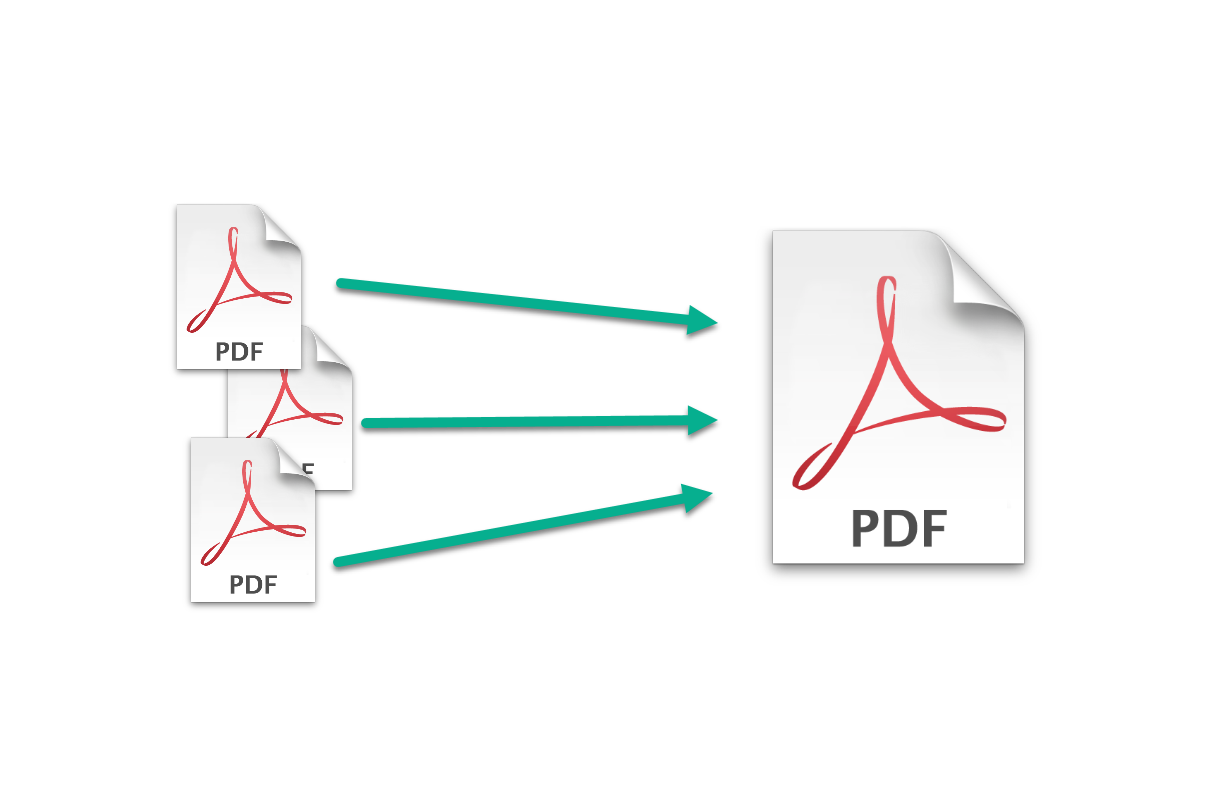
In this article, I will show you how to create an Azure Function to merge PDF files stored in SharePoint. The Function will be a generic service, which receives a list of file paths to merge. This means that you can trigger a request from SPFx, Power Automate, Logic Apps… Or anything else really. we are going to use the PFDsharp library, so our code will be super simple!

Continue reading “Merge PDF files in SharePoint using an Azure Function”

No-code modern SharePoint site redirect

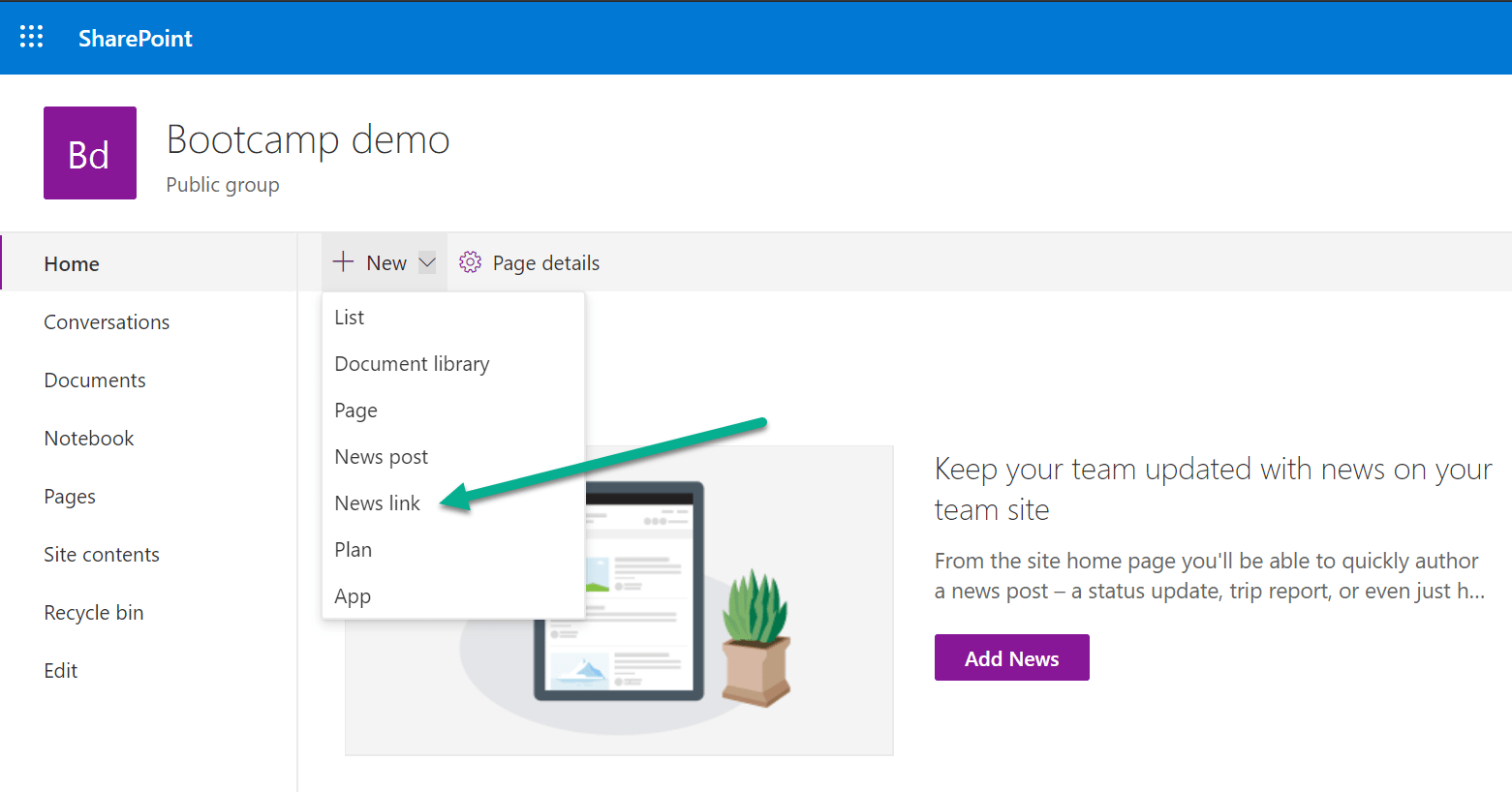
News link

In classic SharePoint sites, it was possible to redirect users to a different site using a few different approaches. However modern SharePoint sites are more restrictive (for good) and offer different features that require different approaches.
Fortunately, if you need to redirect users when they try to access the homepage of a specific site, this can be easily achieved using a simple no-code solution.

Continue reading “No-code modern SharePoint site redirect”

Update metadata on SharePoint documents and folders

You have SharePoint managed metadata terms used in document libraries and you decide to update the label of a term. You can easily do so in the term store and wait for the change to take effect. All documents will display the new term label after the label change is propagated from the term store to the sites.
But what if you want to update a specific term, to a different term that already exists in the store? If you only have a small number of documents and folders that need to be updated, you can simply do the update manually. But if you need to update a large number of items, unfortunately, this is a scenario that will require some automation.
The following script will do the job for you.

Continue reading “Update metadata on SharePoint documents and folders”

SharePoint SPFx extension – Advanced copy and move

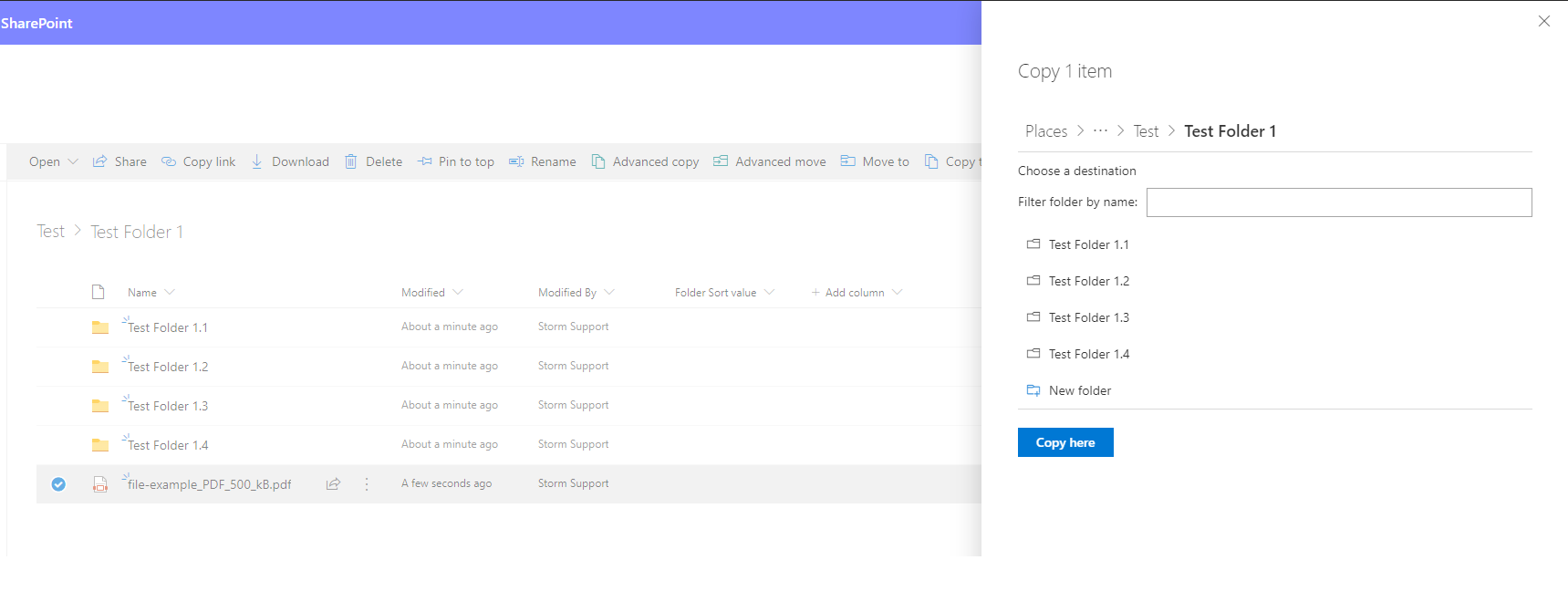
A client recently asked me to create an advanced version of the default “Copy to” and “Move to” SharePoint capabilities available on every document library. This blog post will cover the main decisions, challenges, and tools that I used to achieve this.

After our client went live with a new SharePoint site to be used as the main “landing page” for the company, they started receiving some feedback from end users. I created some custom SPFx web parts and extensions for the site, so was expecting some feedback on my work. Instead, the most common feature that users were providing feedback on was the out-of-the-box “Copy to” and “Move to”.

Continue reading “SharePoint SPFx extension – Advanced copy and move”