When a document or folder is deleted in SharePoint, it goes to the first-stage (site) recycle bin. After some time, it is moved to the second-stage recycle bin. And it stays there for another period before being completely deleted.
If you need to delete a very large number of documents in SharePoint, you may consider sending the items straight to the second-level recycle bin. This will prevent “flooding” the first-stage recycle bin with items, which would make the recycle bin hard to use for manually restoring deleted items.
SharePoint folder filter SPFx extension
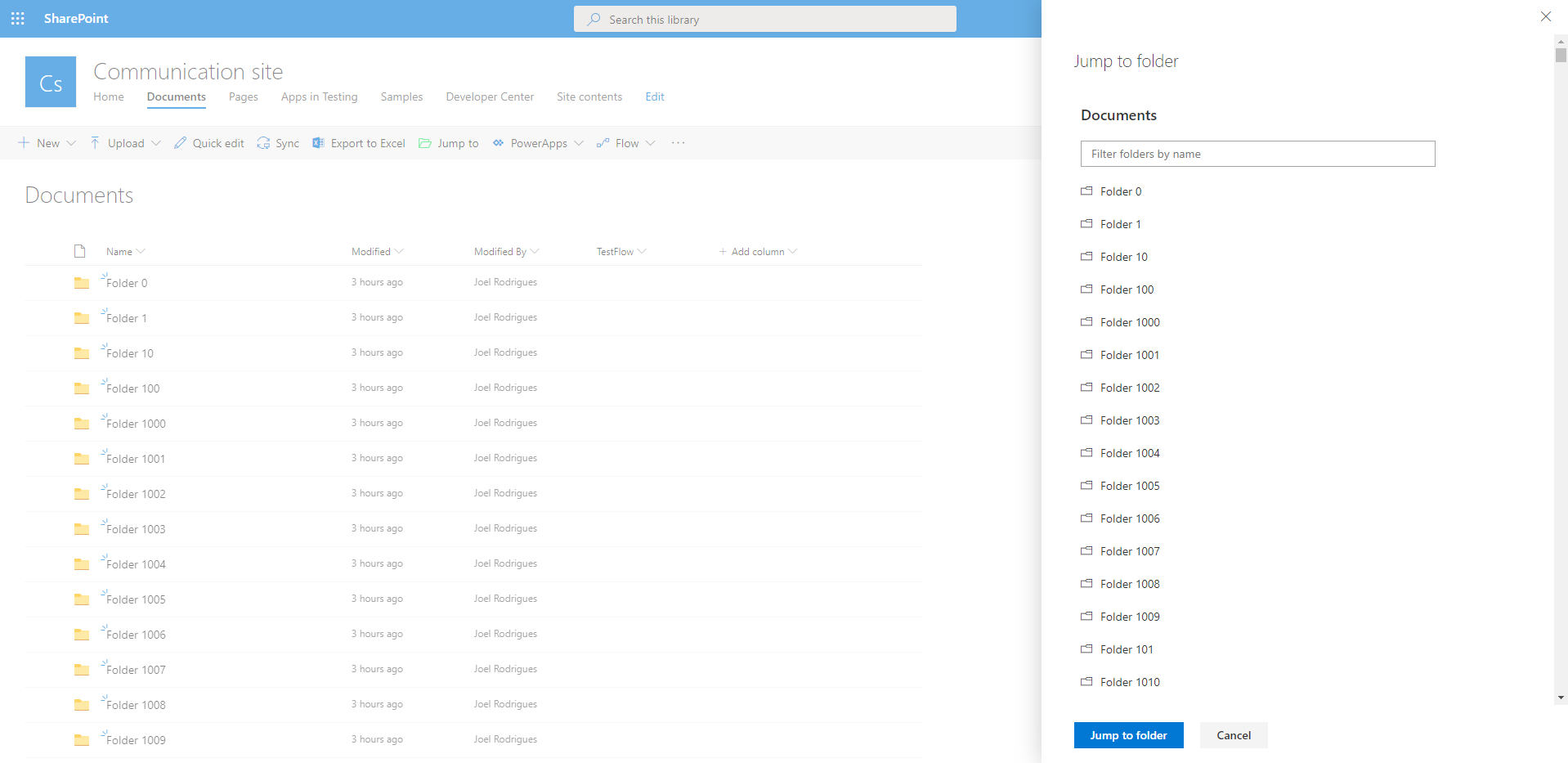
In modern SharePoint libraries containing large collections of folders, it may be difficult to navigate your way around the folder hierarchy. The library loads batches of 30 folders as you scroll down the list, making it difficult to find a specific item.
Would it not be great if you could easily filter the collection of folders?
You can try to use search to find the desired item quicker, but if you have content with similar names, the suggested results are not always relevant.
I built a super simple SharePoint Framework list extension to filter folders and address this limitation. Check the video below to see the SharePoint folder filter extension in action.
Continue reading “SharePoint folder filter SPFx extension”Reset API access in SharePoint online for SPFx solutions
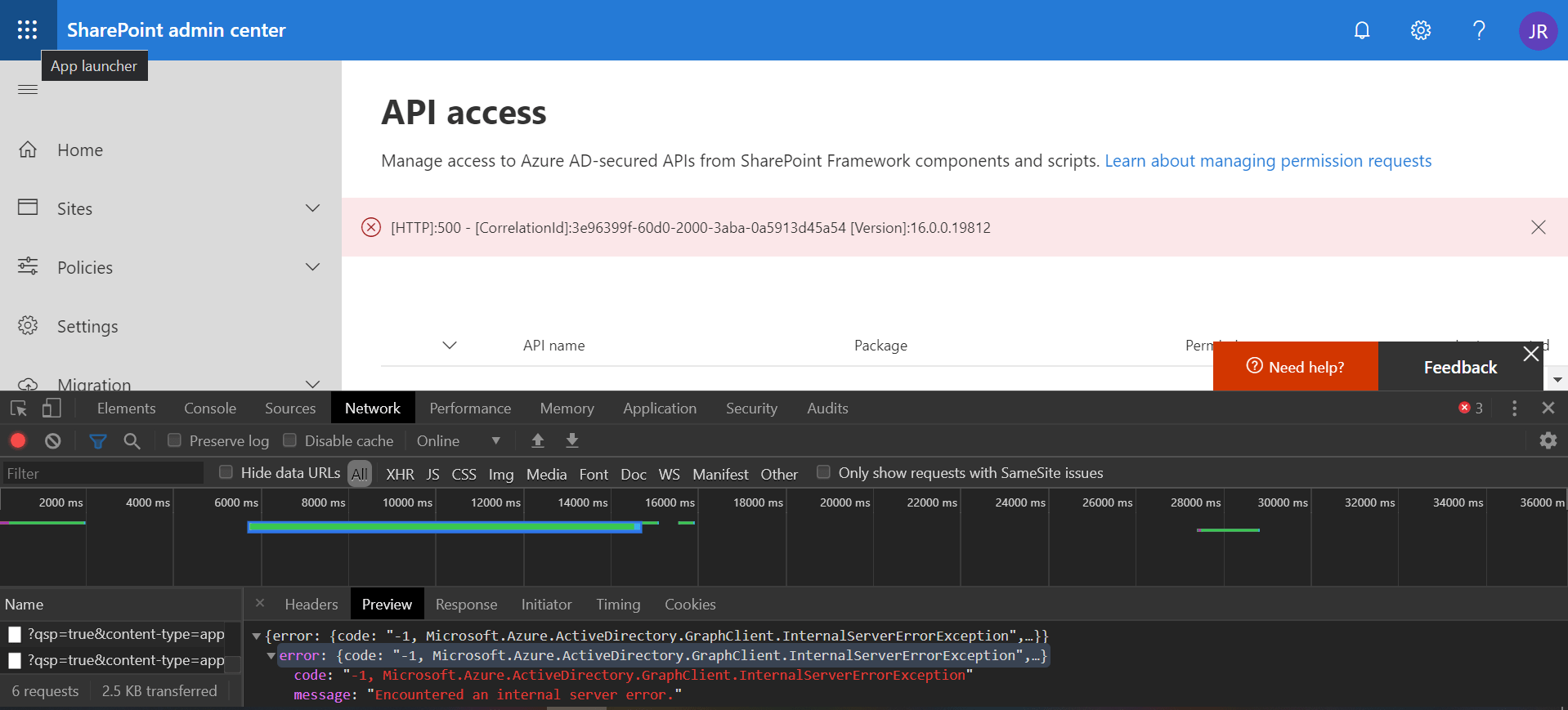
If you try to approve API access requests in SharePoint online and get a generic error like the one below, just remember the first rule of IT: “turn it off and on again”
Continue reading “Reset API access in SharePoint online for SPFx solutions”